
Make product variation easier to carry through engineering and delivery
The same configuration, redrawn every time it changes
A dimension changes, and someone updates the model, the drawing and the schedule separately, by hand.
A configurator lets a customer select options, but engineering still has to check whether the combination is valid.
A design change gets approved, but the product record doesn't reflect it.
These are process problems with technical dependencies. Design automation for manufacturers applies product rules and engineering logic to repeatable modelling and documentation tasks - translating an approved configuration into consistent outputs while keeping exceptions and engineering approval visible.
Start with the product workflow generating the most repeated effort
Define what needs to improve: speed, consistency or approval visibility
The right automation boundary depends on your product and process
Manufacturers, OEMs, equipment businesses and prefab teams each carry configuration through engineering differently.

Custom & Configured-Product Manufacturers
Product rules connected to models, drawings and schedules that stay in sync.

OEMs & Equipment Businesses
Repeatable documentation for variants, without redoing engineering work on every order.

Prefab & Modular Businesses
Design outputs connected to production preparation and delivery timelines.

Sales & Engineering Teams
A configurable product experience backed by rules engineering can trust. Explore Sector Workflow
Choose the capability your product workflow needs
Advisory work defines the automation boundary; configuration, documentation and integration capabilities put the agreed workflow into practice.
Assess & Advise
Understand the current configuration and documentation workflow, and where engineering review is required.
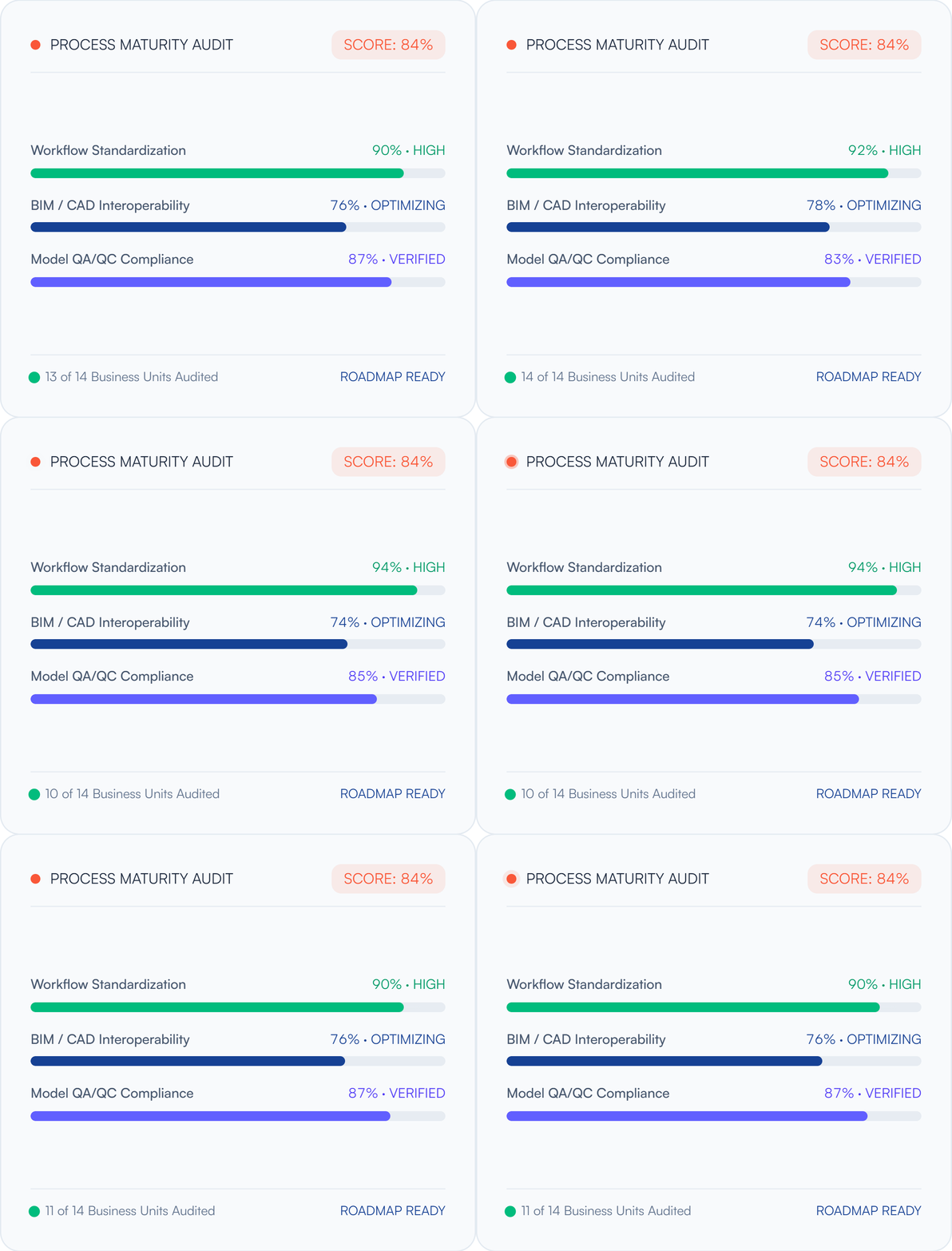
Workflow & Design Automation
Turn repeated modelling, drawing and documentation tasks into rule-based, reusable workflows.
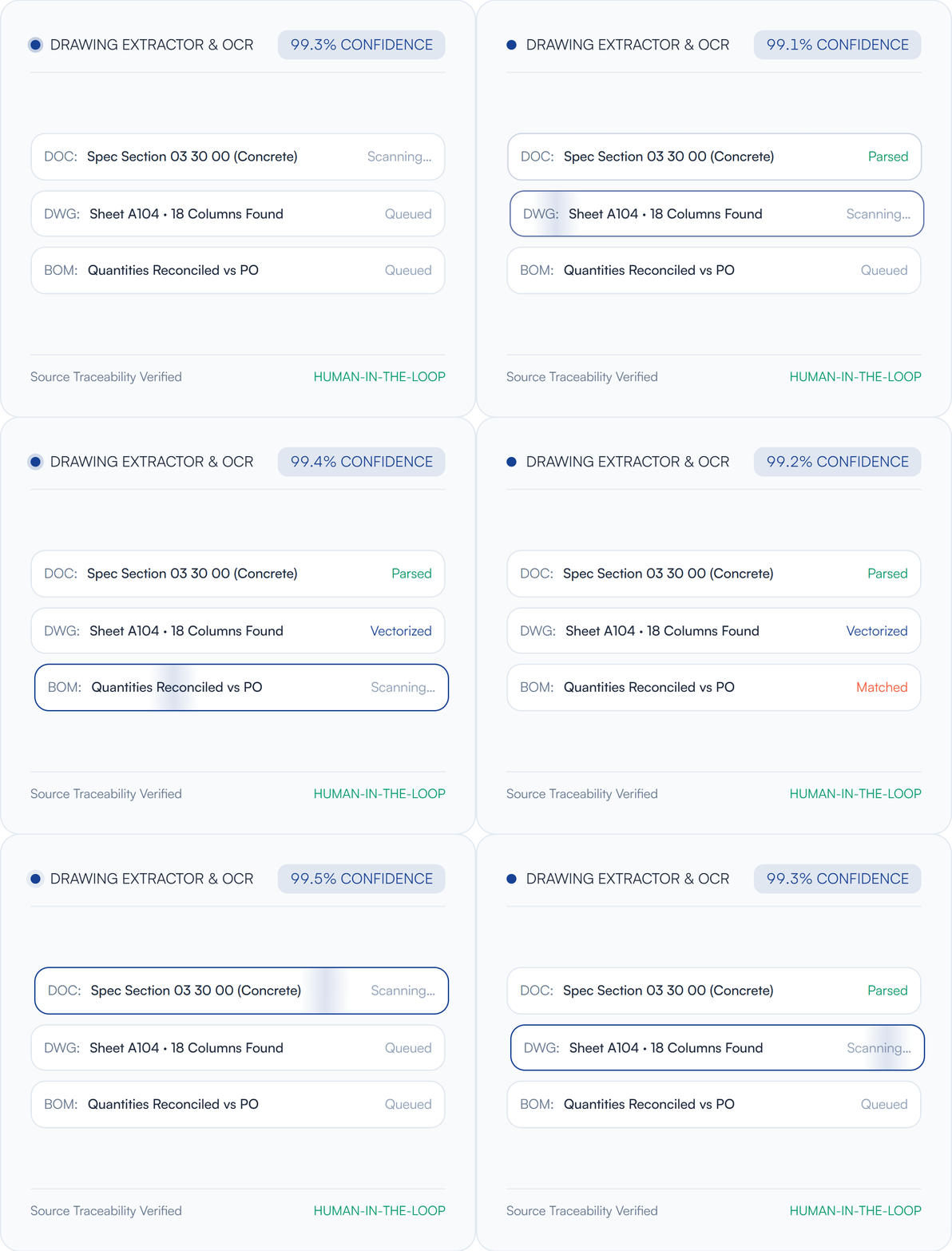
3D Viewers & Configurators
Help customers and sales teams select valid options and see the result before it reaches engineering.
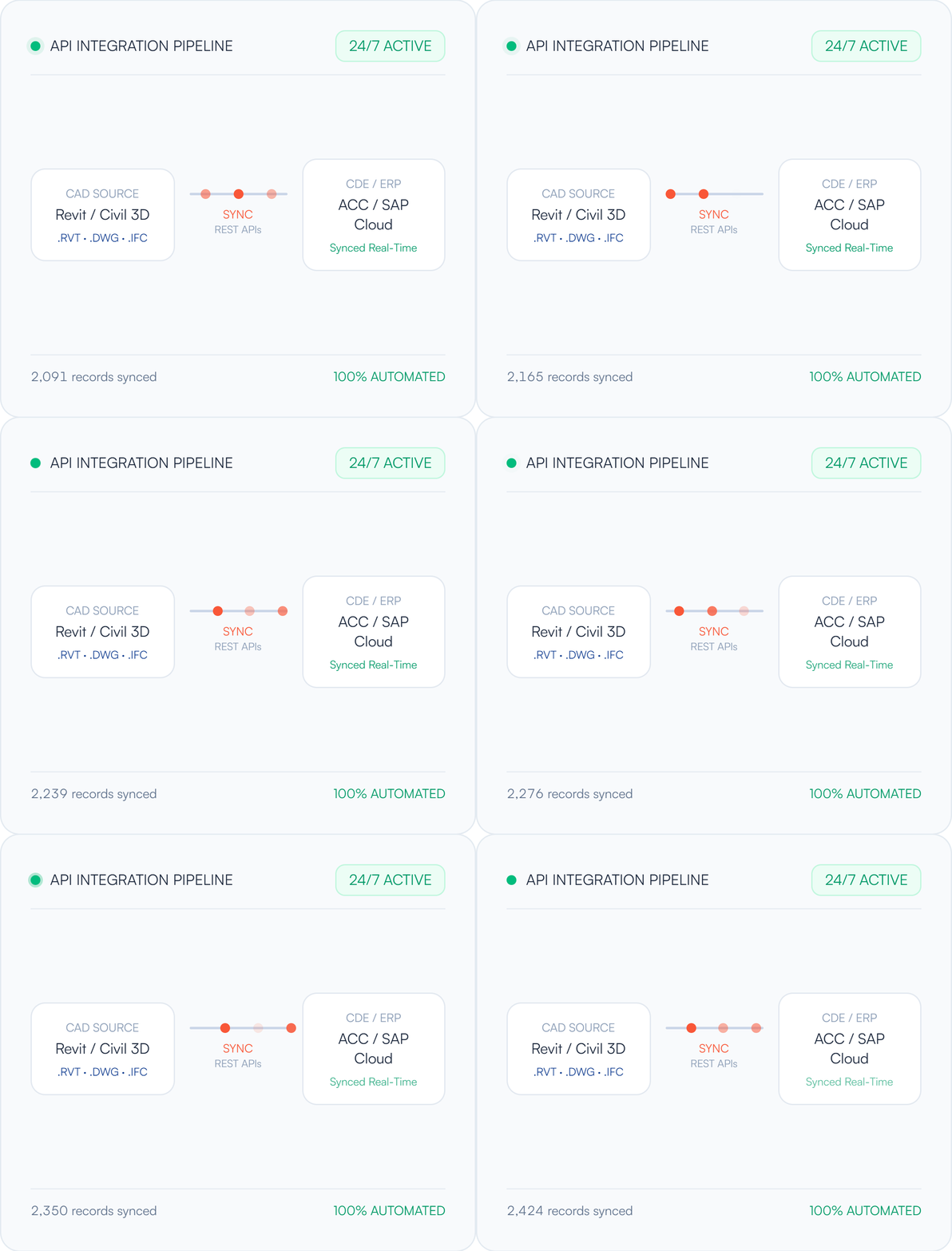
CAD/BIM Interoperability
Connect configuration and documentation across the CAD and BIM tools your teams already use.
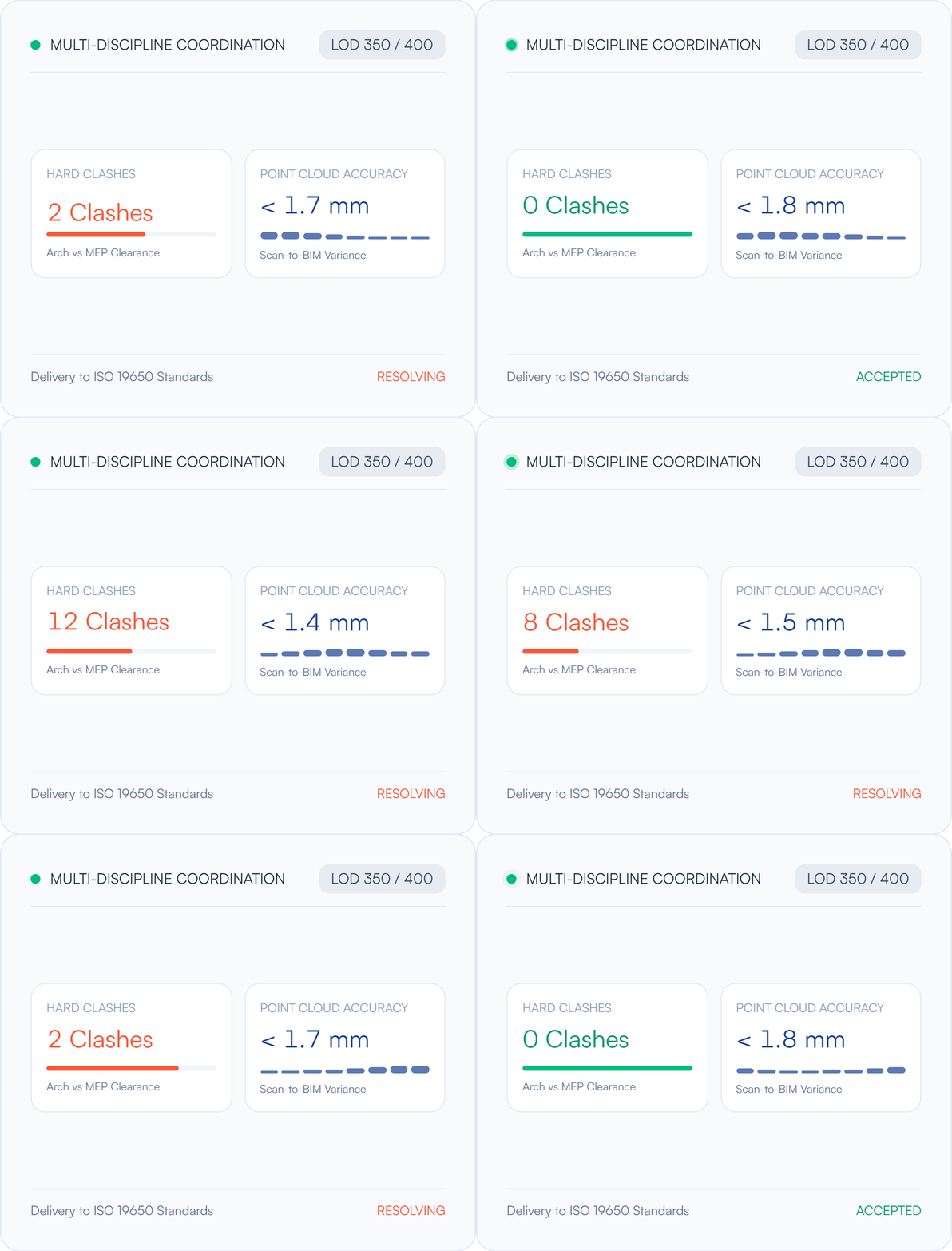
Digital Factory
Carry engineering outputs forward into production preparation.
Understand, prioritise, validate, implement, improve
Applied to facility information, the method connects operational tasks with implementation decisions - across record ownership, access permissions and the systems already in place.
Map the Workflow
Map the product family, its variations, and how orders or design changes are handled today.
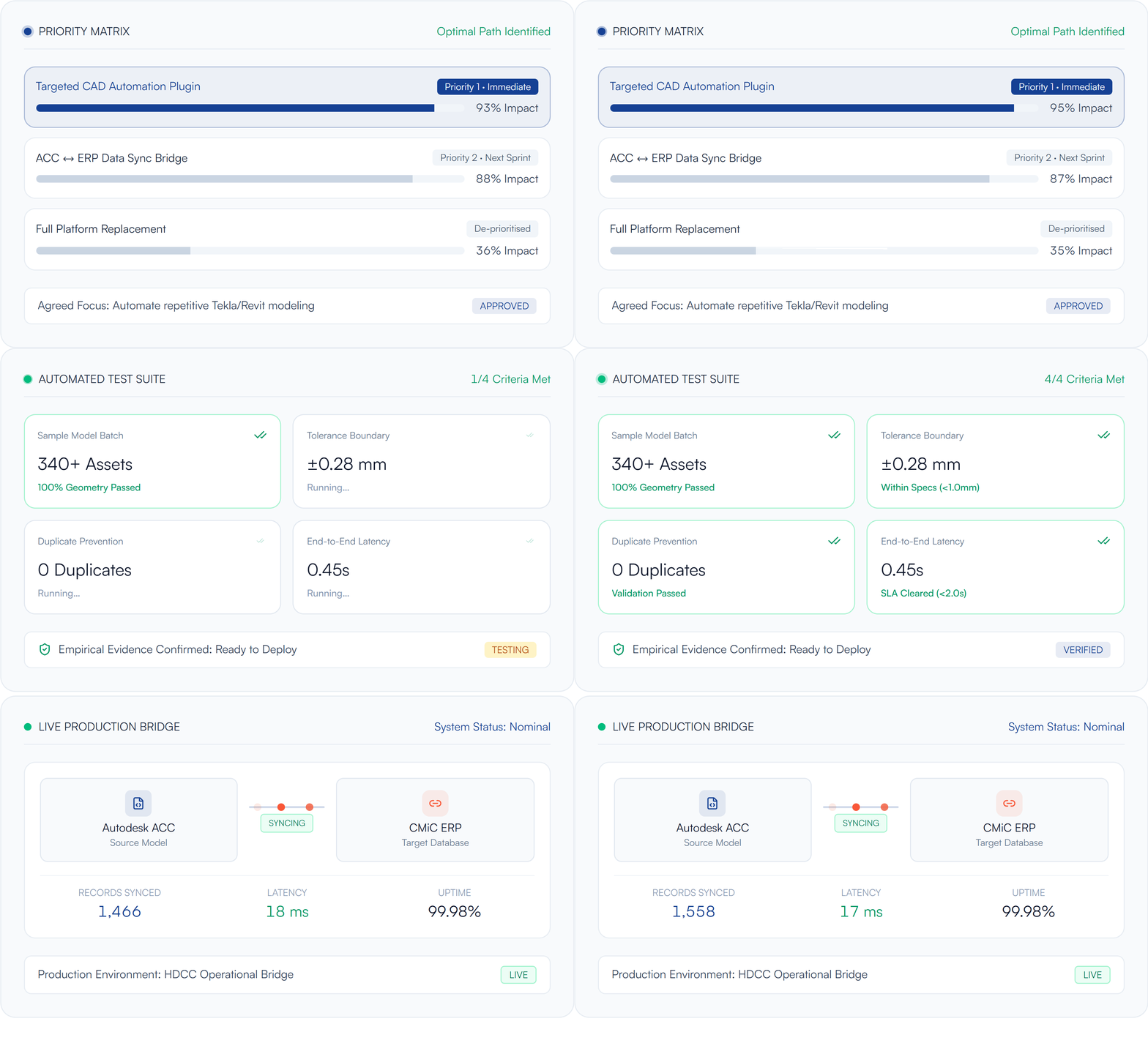
Evidence from manufacturers and equipment businesses
Making a real difference
Automating Engineering Pack Creation in Revit
nCircle Tech built a Revit plugin for model-driven sheets, schedules and PDF/DWG outputs for a custom window-systems manufacturer. Parametric configuration and generated documentation connected engineering information within one workflow, with further opportunities identified for later development.

Products for focused asset-information tasks
Use a product when the requirement is specific. For requirements extending beyond a product's scope, NCircleTech also provides custom platform and integration capabilities.

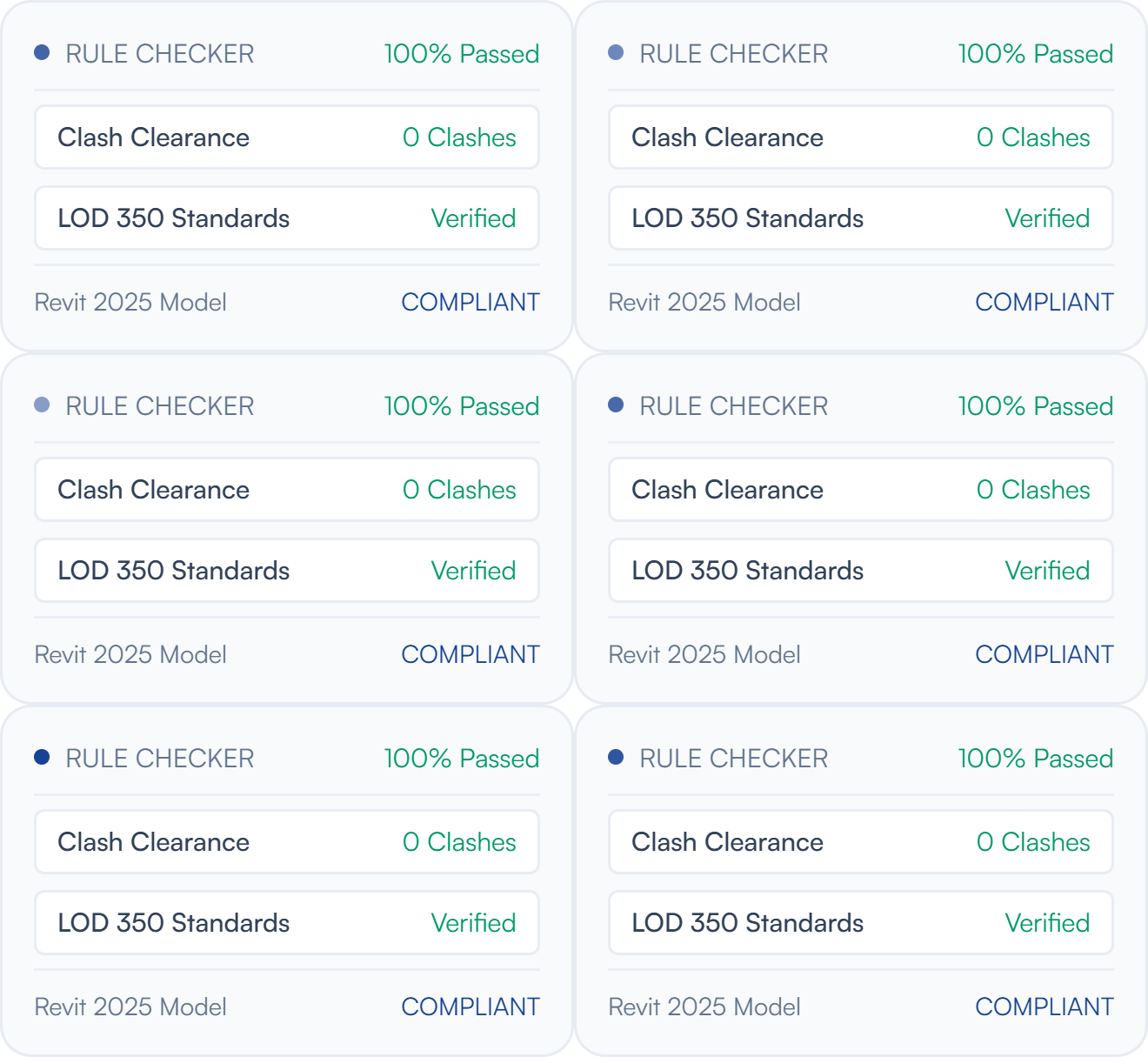
QA BIM Model Rule Checker
Verify that model information meets the standard your asset data depends on.

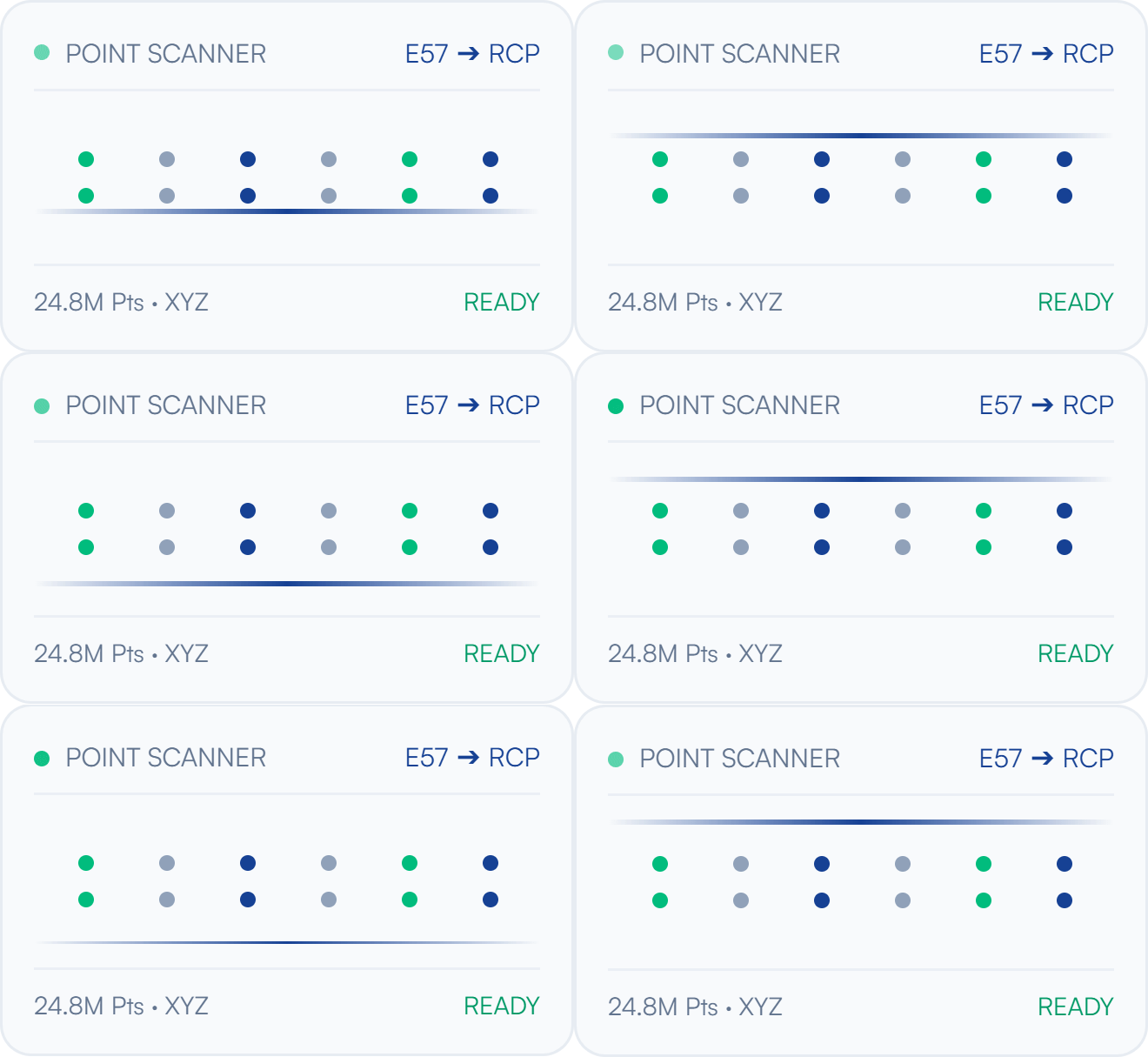
Point Cloud Importer/Exporter
Exchange point clouds between design and facility environments.

Deviation nSpector
Compare model geometry against point-cloud evidence of as-built conditions.

BIM Connections
Automate repeated transfers between project and facility systems.
Start with a Facility Information Process Assessment
A Process Assessment examines the people, process, data and systems behind a selected asset-information or facility workflow.
Bring an inventory of available drawings, models, asset registers and facility systems. The assessment scope and outputs are agreed before work begins.
Which outputs should be driven by the same information?
Which changes require engineering review before they go downstream?
Which next step is worth evaluating against your priorities?
The right delivery model for the next step
Move forward through a defined project, a dedicated engineering team, or specialist support within your existing facilities programme. A focused requirement can be a valid starting point.
Fixed-Scope Delivery
A focused requirement with specified inputs, acceptance criteria, timeline and agreed deliverables.
Dedicated Engineering Pod
Co-development teams embedded alongside your engineers, delivering CAD/BIM plugins, geometry algorithms and cloud integrations.
Turnkey Specialist Advisory
Architecture assessment, process mapping and transformation roadmap guidance across tools and platforms.
Frequently asked questions
Common questions about BIM for facility management, and how engagements start.
The common need is a more connected engineering workflow: configurations, drawings and product data must support delivery. The implementation still depends on the product, its rules and the systems used by each business.
Bring a product workflow with recurring variations or documentation effort.
Discuss where a connected engineering process could make the next handoff easier.