
Guides and handouts for your next technical conversation
Find concise BIM guides and technical handouts on nCircle Tech's capabilities and products. Use them to introduce a topic to your team, compare requirements and prepare questions for a more detailed discussion.
A focused overview, not a project scope
A handout provides a focused overview of a capability or product.
It can help establish common language and highlight the workflow involved, but it does not replace a project scope, supported-version list or contractual specification.
Start with a broad capability overview
Use these resources to identify the areas that relate to your organisation. A broad capability overview should lead to a more specific conversation about the work required, the inputs available and the responsibilities involved.
Corporate Profile
Introduces nCircle Tech's engineering-software and BIM focus.
BIM Services
Another starting point for teams discussing modelling and delivery requirements.
Captured point-cloud information and model delivery
The Scan-to-BIM handout introduces the relationship between captured point-cloud information and model delivery.
It is useful when different stakeholders need to discuss what the model will be used for.
Before requesting a delivery estimate, define the source data, required elements, model detail and acceptance criteria. A general overview cannot determine whether a particular scan is sufficient for your intended output.
Three different tasks, three different handouts
Point Cloud Importer
Bringing point-cloud information into a supported design environment.
BIM Model Rule Checker
Checking configured model rules for consistency.
Deviation nSpector
Examining deviations between model and scan information.
Explore technical documents & capability catalogs
Select a reference to review capability architectures, supported standards, and typical implementation scopes.

Corporate Profile
Click here to download.
BIM Services
Click here to download.
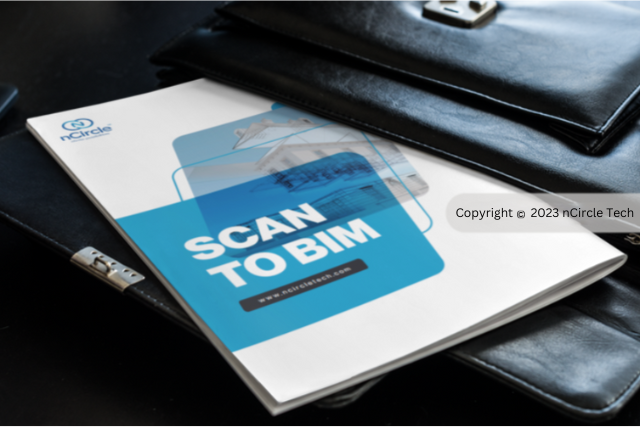
Scan to BIM
Click here to download.
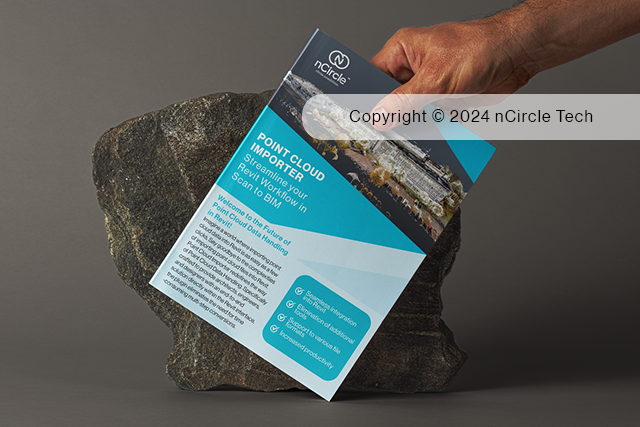
Point Cloud Importer
Click here to download.
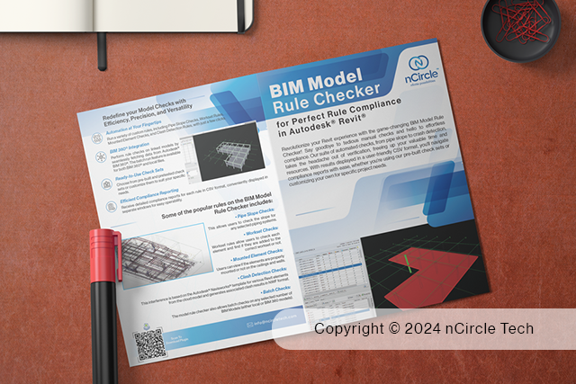
BIM Model Rule Checker
Click here to download .
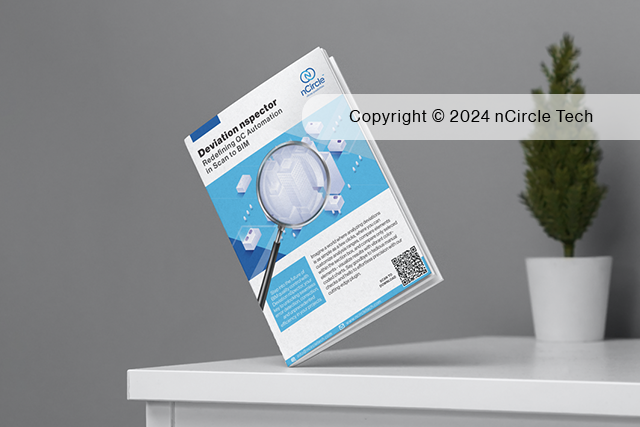
Deviation nSpector
Click here to download.

Power BI Connector on Autodesk Data Exchange
Click here to download.
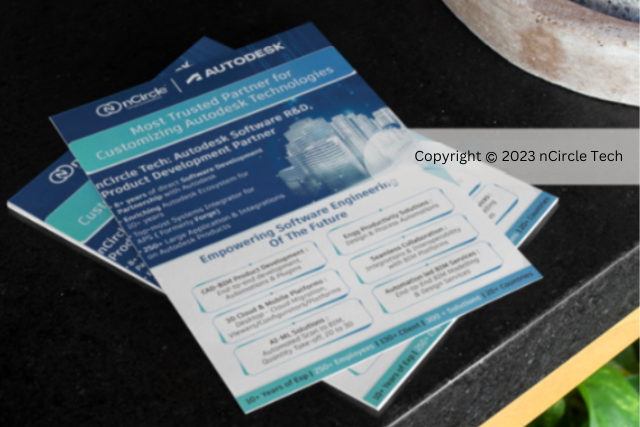
nCircle Autodesk Partnership
Click here to download.
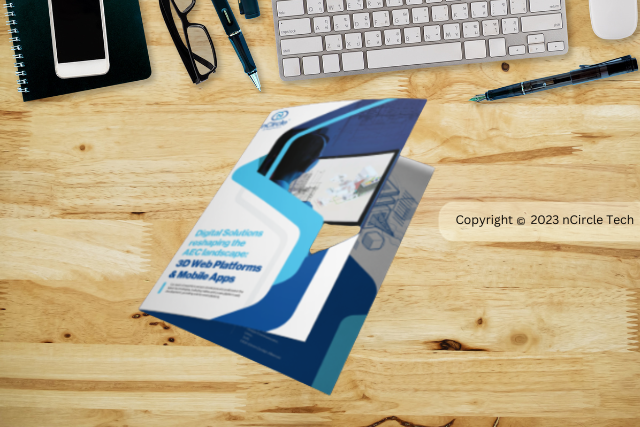
3D Web Platform & Mobile App Development Brochure
Click here to download.
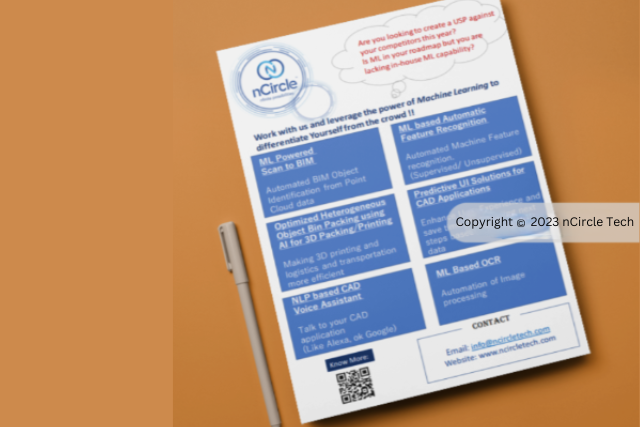
AI_ML
Click here to download.
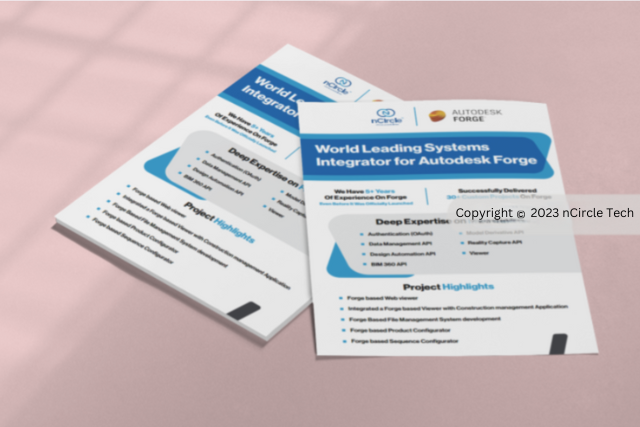
Autodesk Platform Services
Click here to download.
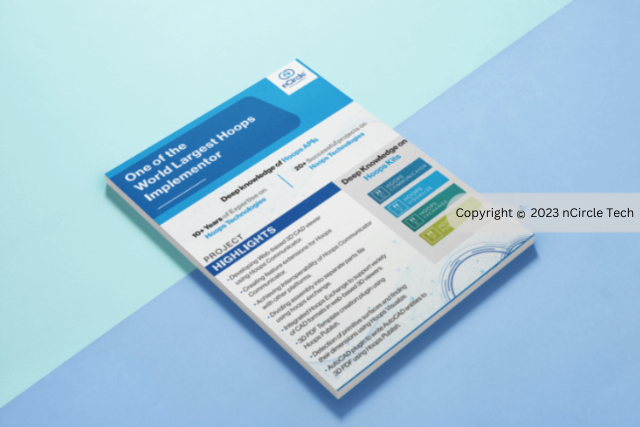
Hoops Brochure
Click here to download.
BIM Automation
Click here to download.

BIM 360 Flyer
Spending too much time on your Manual BIM workflows? Are you using a single platform to connect, organize and optimize your projects? Now, Automate your BIM workflow to save time overheads with 100% accuracy and turn your business workflow ideas and innovations into reality with...

Autodesk Forge Flyer
We are the leading system integrators for Autodesk Forge with expertise in Forge based custom 3D Cloud & Mobile Applications ranging from Forge Integrations, Custom APIs, Forge Based Enhancements and Product Configurators. Now, turn your business idea into reality with our range...
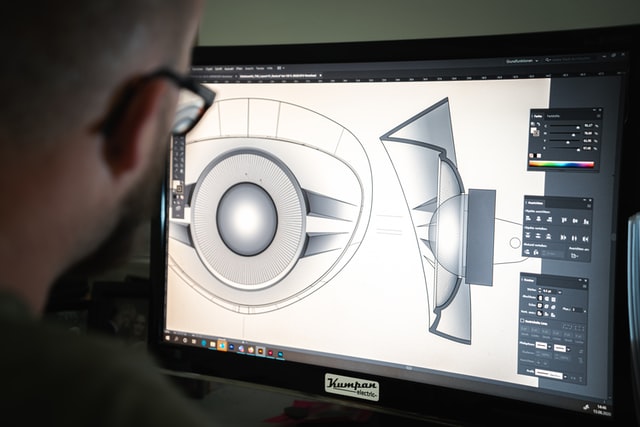
Ares Kudo
A Cloud based CAD Platform with every possible 2D features to Create, View and Modify DWG drawings online on browser without any installing or updating. A Centralized Cloud Platform for storing, sharing and reviewing 3D models to solve your challenges by providing solutions for...
Keep the internal conversation focused on your needs
Note the workflow you want to support, the application environment and the questions that remain unanswered.
Share those questions alongside the handout so the internal conversation stays focused on your needs.
For implementation planning, confirm the resource's current relevance with the technical team.
Historical terminology or screenshots may describe an earlier product release even when the broader workflow remains useful.
From overview to detail to discussion
If you need evidence of delivered work, use Case Studies.
Explore the resources
Where to go next
Frequently asked questions
Not automatically. Use the current product documentation or agreed project scope for exact compatibility and delivery commitments.
Need to clarify a requirement?
Tell us which resource you reviewed and what you need to know about your workflow, application or intended output.